







Explore Properties
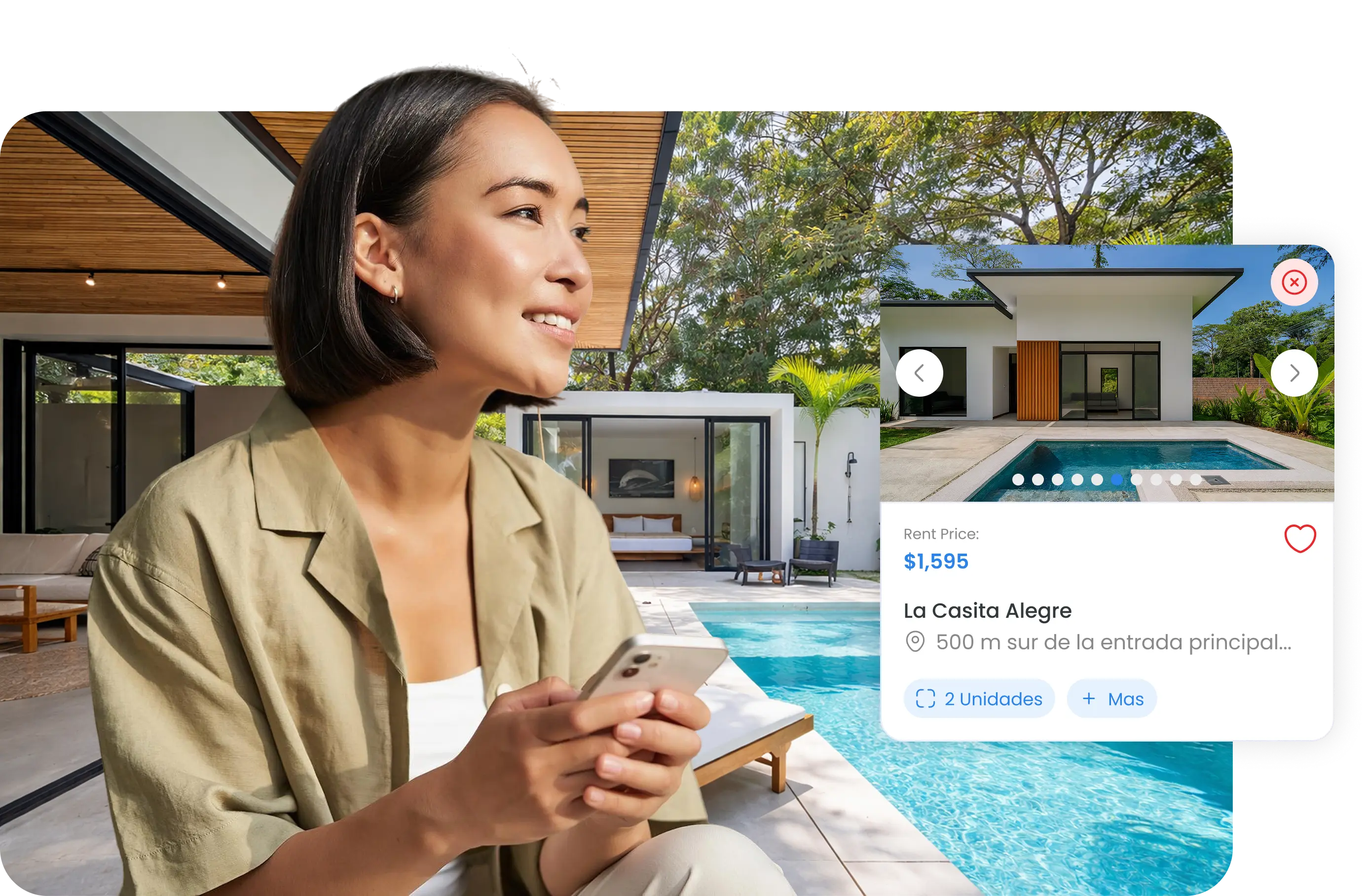
Browse verified listings across Costa Rica with smart filters and map views. Clear information, real availability, and no wasted time — the Chozi way.
All Listings
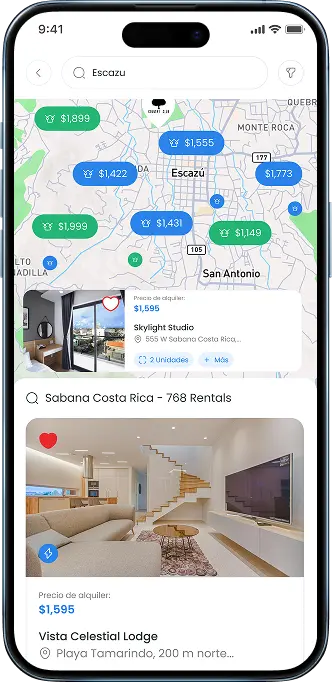
All Listings is Chozi’s default exploration view, where properties for rent and for sale appear together — across residential and commercial categories — all visible on the map and in the list.
01
Click “All Listing on the menu” in the menu
02
Explore properties and choose what suits you the best.
For Rent
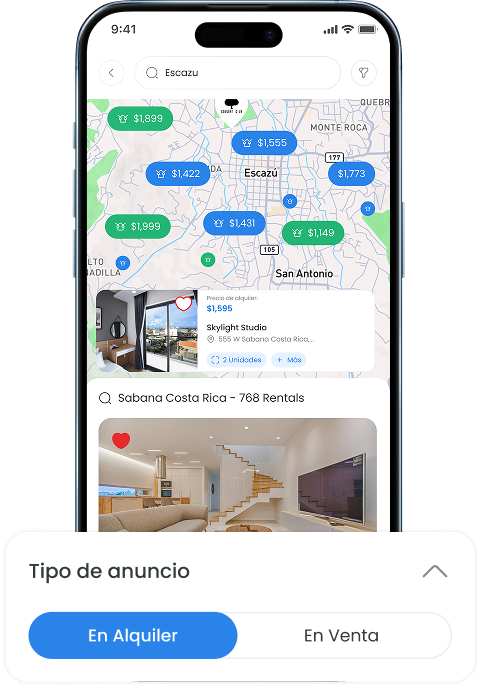
Apply the For Rent filter to instantly update the map and listings, showing only properties available for rent. Sale listings are removed from view, giving you a clean, focused look at the current rental market.
01
Click “All Listing on the menu” in the menu.
02
Apply the “For Rent” filter.
03
Explore properties and choose what suits you the best.
04
Request a tour on the property.
05
Message the host/owner to inquire about renting their property.
For Sale
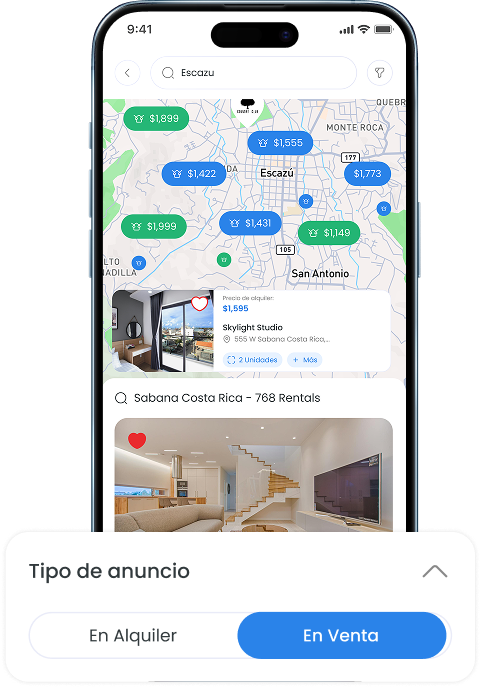
Select the For Sale filter to instantly update the map and listings, showing only properties available for purchase. Rental listings are removed from view, giving you a clear, focused look at properties currently on the sales market.
01
Click “All Listing on the menu” in the menu.
02
Apply the “For Sale” filter.
03
Explore properties and choose what suits you the best.
04
Request a tour on the property.
05
Message the host/owner to inquire about buying their property.
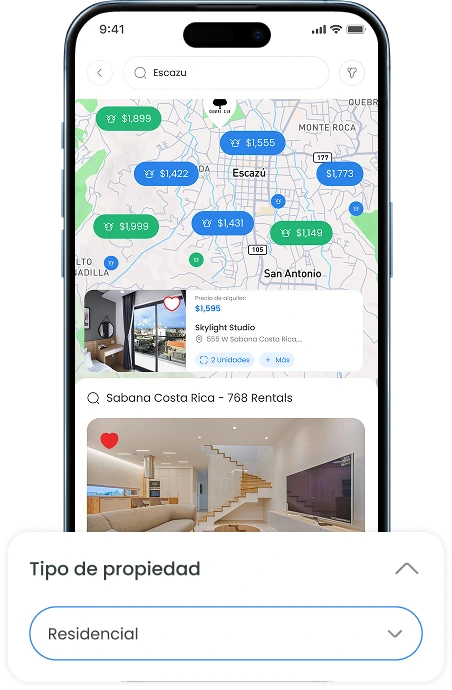
Residential Properties
Select the Residential filter to update the map and listings, showing only residential properties. Commercial listings are removed, giving you a clear view of homes and living spaces designed for everyday life.
01
Click “All Listing on the menu” in the menu.
02
Apply the Residential filter.
03
Explore properties and choose what suits you the best.
04
Request a tour on the property.
05
Message the host/owner to inquire about renting/buying their property.
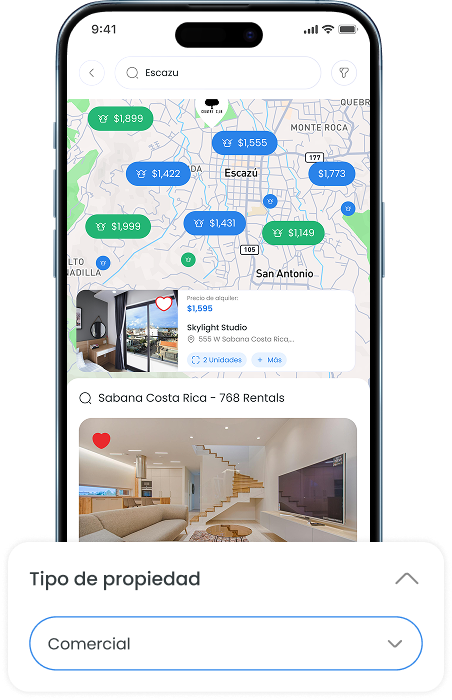
Commercial Properties
Activate the Commercial filter to update the map and listings, showing only commercial properties. Residential listings are removed, allowing you to focus on spaces designed for business, operations, and investment.
01
Click “All Listing on the menu” in the menu.
02
Apply the “Commercial” filter.
03
Explore properties and choose what suits you the best.
04
Request a tour on the property.
05
Message the host/owner to inquire about renting/buying their property.